Issue
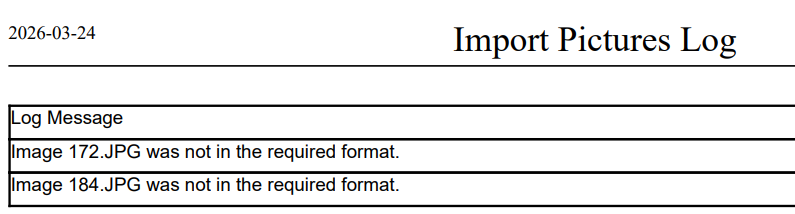
The Import Student Pictures fails with 'not in the required format' error
Solution:
If the import fails because of a format error, try resizing the image to a different dimension. For example, change it from 480 × 640 to 960 × 1280. In many cases, the issue is related to the image’s compression rather than the image content itself
Tip: To check whether an image has issues, try uploading it manually to the student record. Images with format-related problems will usually return an error.
Was this article helpful?
That’s Great!
Thank you for your feedback
Sorry! We couldn't be helpful
Thank you for your feedback
Feedback sent
We appreciate your effort and will try to fix the article