Issue:
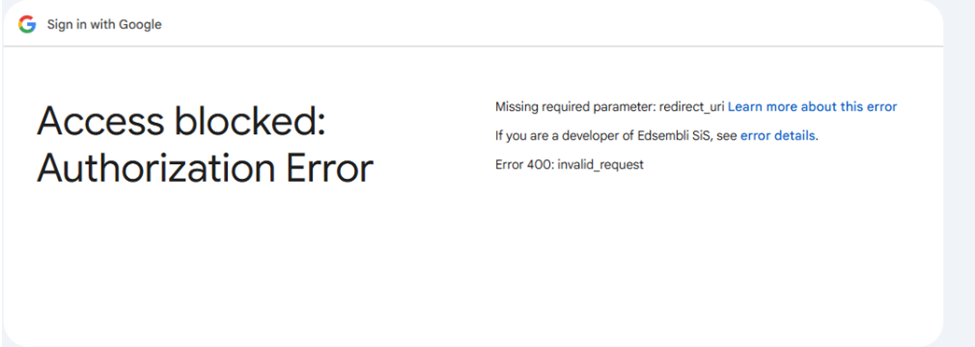
Teachers are logged out or getting Error 400 when accessing PASI Digital documents. This happens after clicking the paper icon under the student's profile picture.
There are 2 behaviors observed. If the teacher is using SIS Authentication, they will get session timed out message and will be logged out of Connect
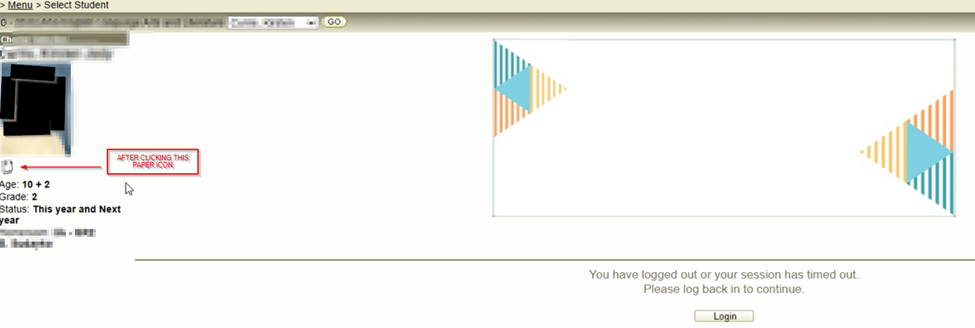
If on SSO Authentication like Google, they will get Error 400, the redirect URI error
SOLUTION
This is a permission issue. Please make sure the teacher account or group has the PASI Digital Document permission and Multimedia permission enabled.
Was this article helpful?
That’s Great!
Thank you for your feedback
Sorry! We couldn't be helpful
Thank you for your feedback
Feedback sent
We appreciate your effort and will try to fix the article